
Adobe MAX 2026 offers online learning: plan a project around one session
Adobe MAX’s 2026 programme includes free online registration. Use the regional agenda to choose a session and turn an idea into a design exercise you can review.
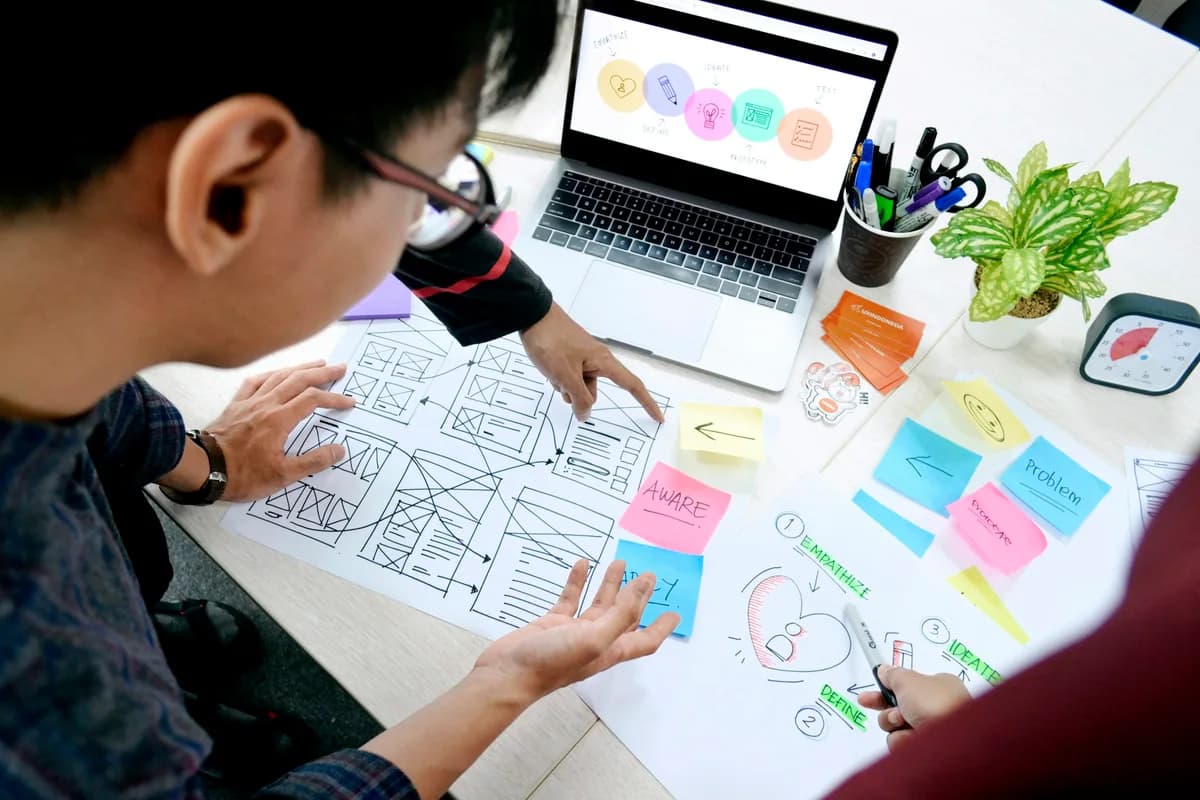
This licensed photograph illustrates the topic; it does not show the reported event or its participants.
Adobe’s MAX 2026 pages advertise free online registration alongside the Miami Beach conference scheduled for 10–12 November. The official FAQ describes the main online programme on 10–11 November. Regional agenda views can show sessions on different local dates, so check your region instead of copying an in-person timetable.
- The programme is upcoming; online access and the in-person conference have different arrangements.
- A session can inspire a learning project, but an announced demonstration is not yet a product release.
Read the online programme on its own terms
Adobe describes an online agenda with keynotes, sessions and other creative programming. The FAQ distinguishes online dates from the longer in-person programme. Check the regional view, registration terms and session availability when planning. Free online registration should not be presented as a free physical conference pass, nor as proof that every workshop has the same access conditions.
Pick a design question before a session
Our editorial approach is to choose a small question first: how to improve a layout’s hierarchy, communicate a brand consistently or explain a project to a reviewer. Then look for a session related to that question. This gives the learning time a purpose and helps you evaluate which idea transfers to your own work. Watching a long programme without a task can make it difficult to tell what you actually learned.
Treat demonstrations as evidence with a date
An upcoming conference can include previews and demonstrations. At the 6 October cutoff, we do not report any November demonstration as completed or any unannounced feature as available. After viewing a session, distinguish what was shown from what is documented in a released product. Keep the original context with your notes so that a prototype is not mistaken for a tool you can use immediately.
Turn inspiration into a reviewable artefact
Create one small design variation, explain the starting problem and compare the result with your brief. Ask another person what they understand before adding your explanation. Save the feedback and identify a revision you can make. This is a suggested exercise, not an official Adobe assignment or a claim of partnership. Continue with the school’s existing design guides and verify any software capability in the relevant product documentation.
Try the idea
Write a three-line design brief before choosing a session. Afterwards, make one variation of a small layout, label which idea you tested and ask a reviewer to compare it with the brief. Preserve the first version and one revision.
Questions and answers
Are the online and in-person MAX dates identical?
The conference is advertised for 10–12 November, while the FAQ describes the main online programme on 10–11 November. Check the regional agenda for local dates.
Does free online registration include travel or an in-person pass?
No. The online offer and in-person attendance have different arrangements. Consult Adobe’s own registration information for the format you want.
Sources
- Adobe MAX — 2026 online programme ↗Sources checked:
- Adobe MAX — 2026 official FAQ ↗Sources checked: