
WordPress Accessibility Day starts tomorrow: a practical design learning route
WordPress Accessibility Day is scheduled for 7–8 October, with free online access. Learn to connect a conference session to a real design and content check.
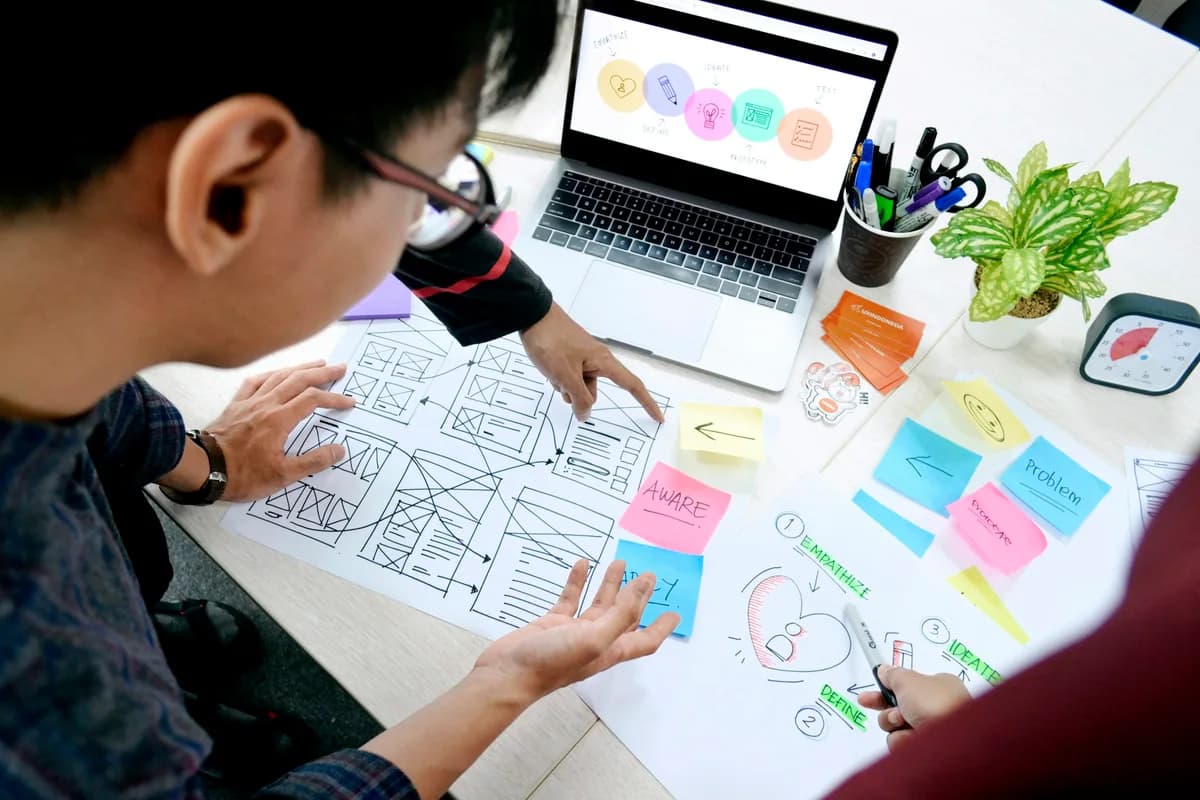
This licensed photograph illustrates the topic; it does not show the reported event or its participants.
WordPress Accessibility Day’s published 2026 programme schedules a free online event for 7–8 October. The first listed session starts on 7 October at 15:00 UTC, or 18:00 Moscow time. For learners in design and web development, the useful opportunity is to connect an idea from a session with a user journey they can inspect.
- The event is still upcoming at the 6 October editorial cutoff; consult the official schedule for timing and access.
- A checklist result does not replace testing whether someone can complete the intended task.
What is scheduled for 7–8 October
The organiser describes a global online event devoted to accessibility practices for WordPress websites. The schedule brings together perspectives from design, development and content. Registration and the current agenda belong to the organiser. Our briefing does not assume attendance numbers, completed talks or a recording that has not been verified. Save the session’s stated timezone when planning so that the date does not shift unnoticed.
Choose a journey before choosing a tool
Pick a short task, such as finding a lesson, opening it and understanding its next step. List the controls and information that task requires. Our editorial recommendation is to examine the whole journey instead of treating one successful automated check as proof that a page works for everyone. Different tools and user tests reveal different kinds of obstacles.
Make a small, observable design check
Try following the chosen journey with a keyboard and note whether the focused control remains visible and understandable. Check whether link text describes its destination and whether instructions depend only on colour. Record what happened, where the difficulty appeared and what change you propose. This is a beginner exercise, not a comprehensive accessibility audit or a statement that the site meets a standard.
Bring the lesson back into the project
After a session, connect one documented recommendation with your own observations. Change a specific control or instruction, repeat the task and explain what improved. Keep questions that require deeper testing instead of labelling the whole design accessible after one fix. Follow the organiser for event details, and use the school’s design materials to practise turning a user need into a testable decision.
Try the idea
Select a three-step website journey. Attempt it using keyboard controls, record one obstacle, propose a change and repeat the task. Describe the observed result without claiming a full accessibility certification.
Questions and answers
When does the first listed session begin?
The checked schedule lists 15:00 UTC on 7 October 2026, which is 18:00 in Moscow. Recheck the organiser’s agenda before attending.
Does attending the event certify my website as accessible?
No. Learning from a session and evaluating a particular website are separate activities. A site needs appropriate testing of its actual content and interactions.
Sources
- WordPress Accessibility Day — 7–8 October 2026 ↗Sources checked:
- WordPress Accessibility Day — 2026 schedule ↗Sources checked: